Portfolio · Case study 02 / 09
Refract
Product-image pipeline · Web SaaS
Converts, cuts out and centres product photos: free in the browser, automated from Google Drive on Pro.
Loading the devices 0%
What it is
Refract gets product photos ready for an online store: it converts formats, removes studio backgrounds and centres the product on a square canvas. It's built for online sellers and catalogue teams.
- Free in the browser
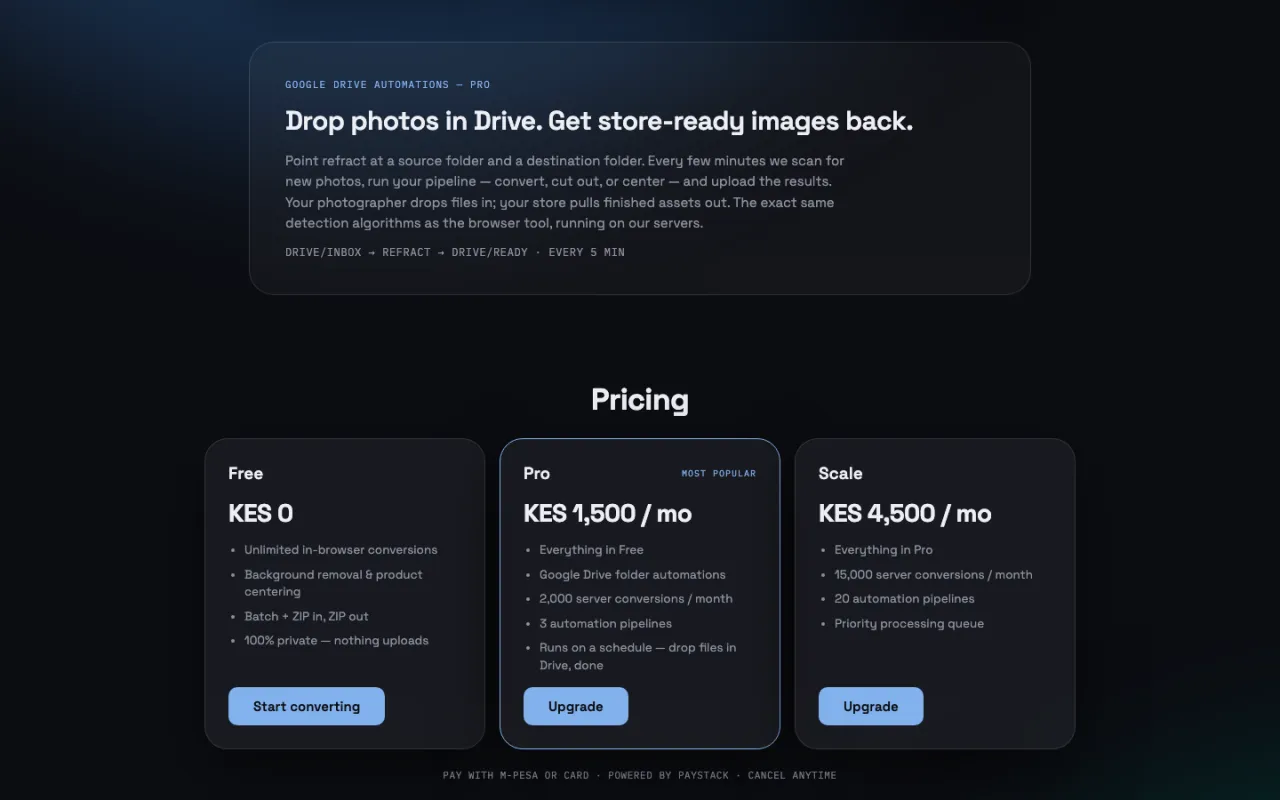
- Pro KES 1,500/mo: 3 pipelines, 2,000 server conversions
- Scale KES 4,500/mo: 20 pipelines, 15,000 conversions
What you can do
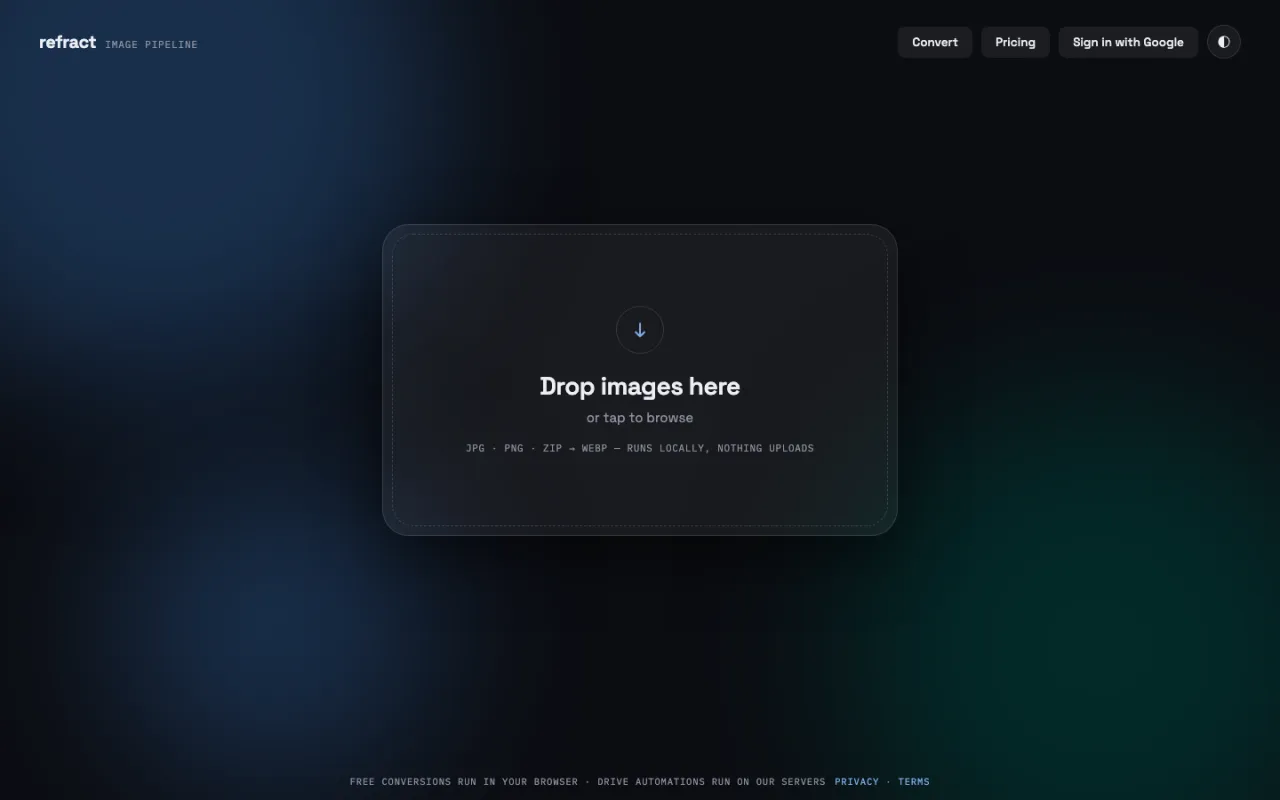
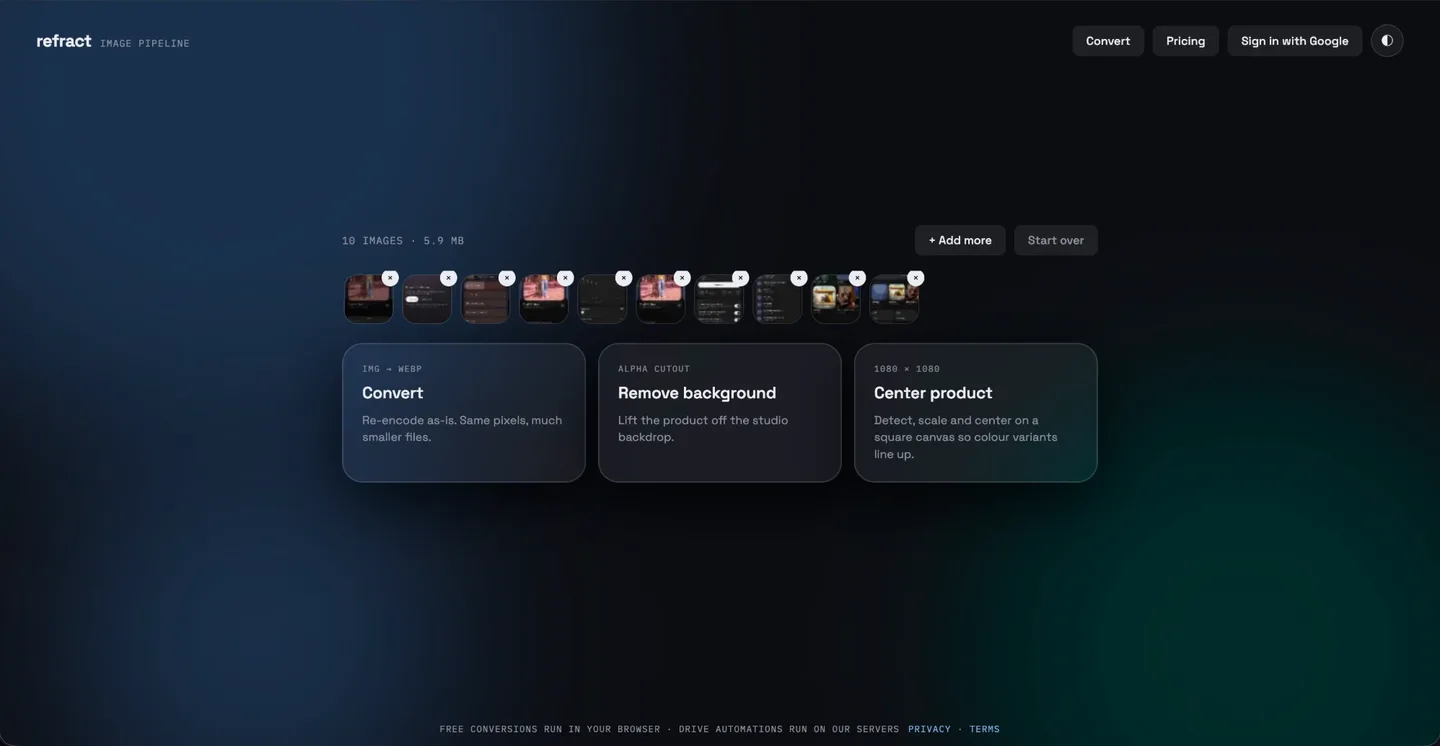
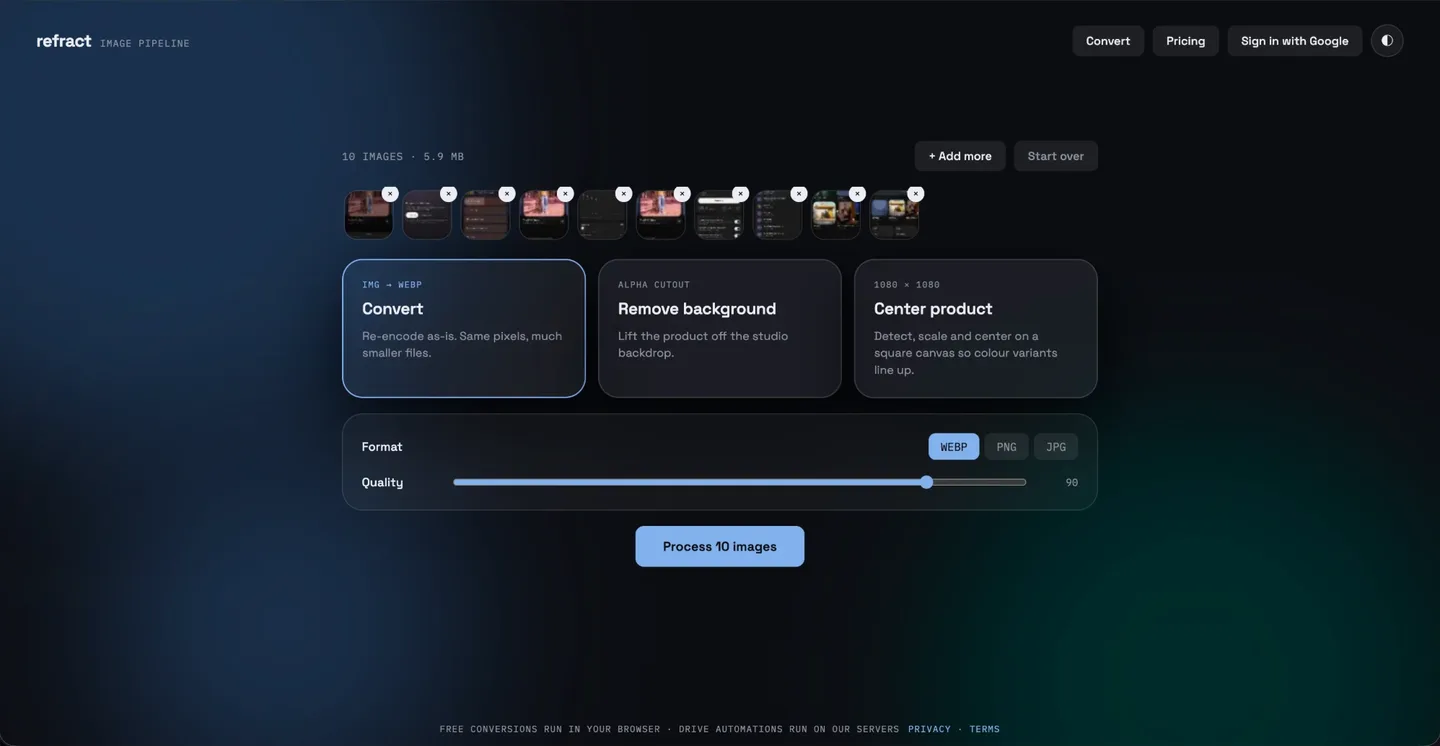
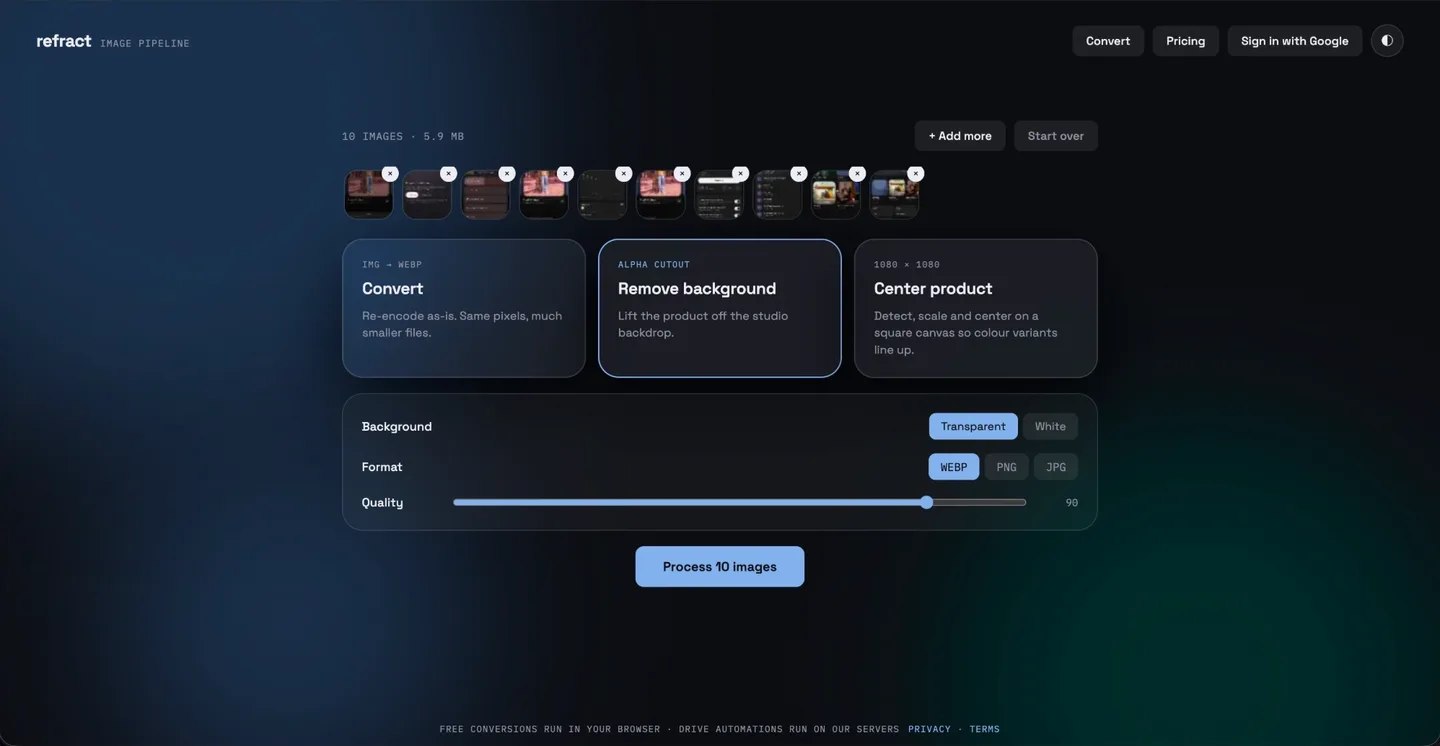
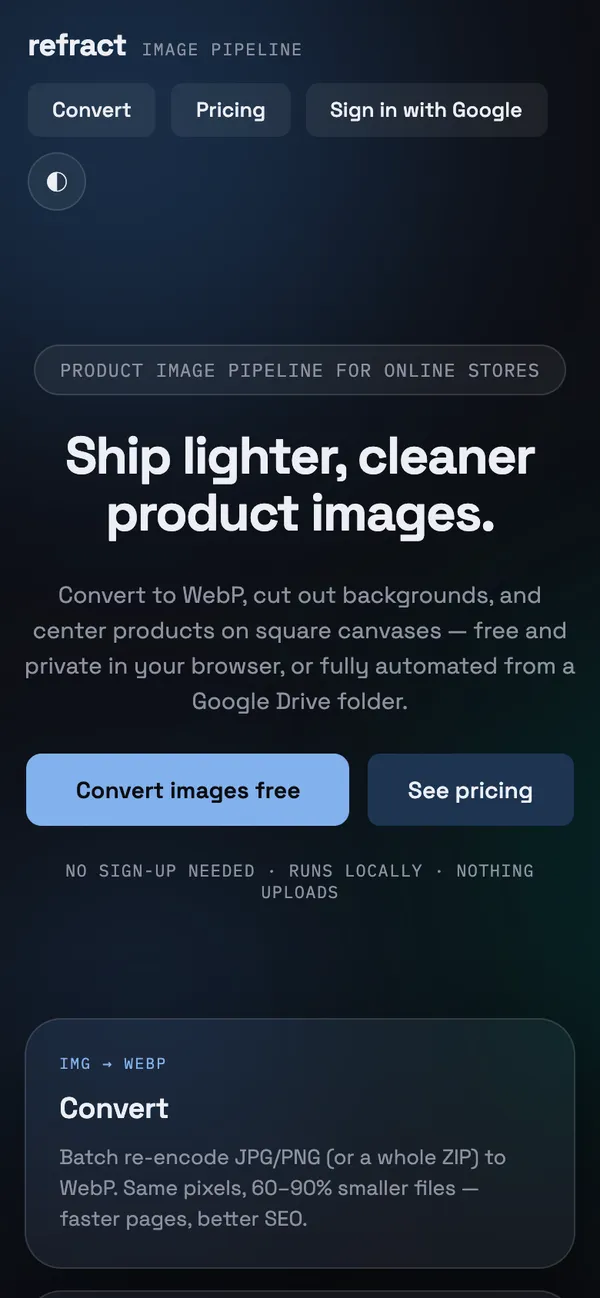
- 01Batch convertDrop in JPGs, PNGs or a whole ZIP and get WebP, PNG or JPG back, zipped. A quality slider trades size against detail; same pixels, much smaller files.
- 02Transparent backgroundsAn alpha cutout lifts the product off the studio backdrop, onto a transparent background or clean white, for the whole batch in one pass.
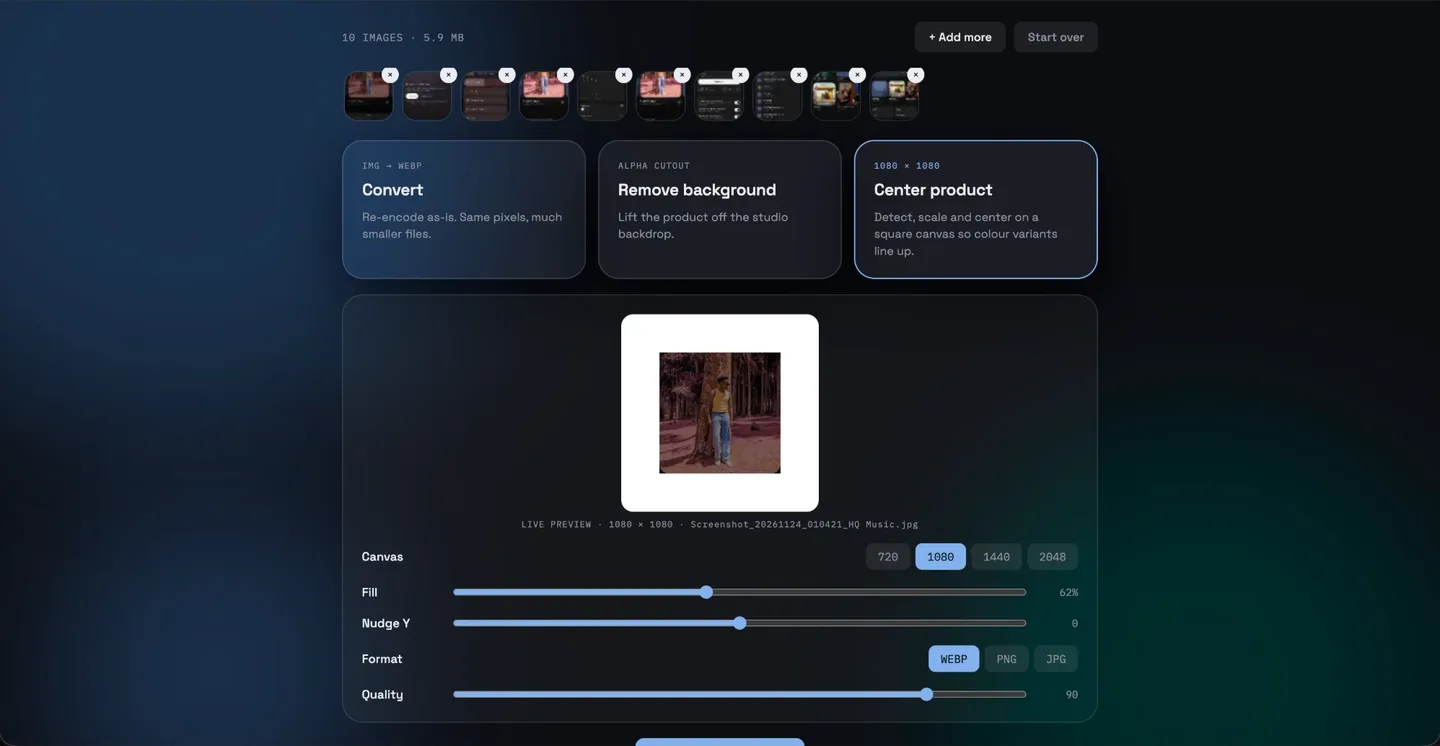
- 03Centre the productRefract finds the product, scales it and centres it on a square canvas (720 to 2048 px), so colour variants line up in the grid. Fill and a vertical nudge fine-tune it, with a live preview.
- 04Free in the browserThe converter runs entirely on your device: no sign-up, nothing uploaded.
- 05Google Drive automationsPoint a pipeline at a Drive folder and pick the steps. New photos are processed on the server and land in an output folder, each exactly once, while you get on with your day.
- 06Pay with M-Pesa or cardPlans billed through Paystack, managed from a dashboard of jobs and usage.
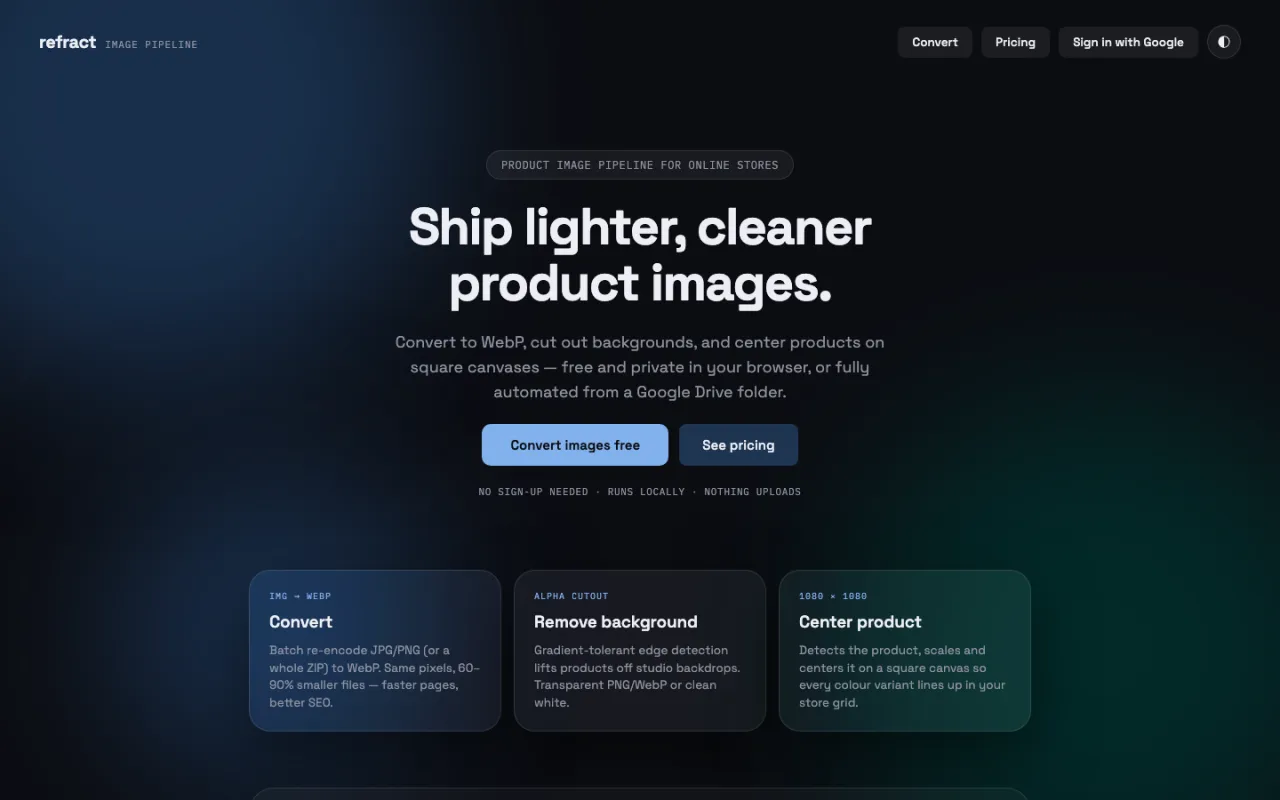
Ship lighter, cleaner product images.
Why it helps
- No manual editingDrop photos into Drive and store-ready images come back on their own: converted, cut out and centred.
- A consistent catalogueEvery product sits at the same size in the same spot, so a shop grid looks shot in one session.
- Private by defaultThe free tool never uploads your images.
- Lighter pagesWebP files are far smaller, so product pages load faster.
- What you preview is what you getThe browser and the server run the same detection code.
What I built
- A free converter that runs entirely in the browser: nothing is uploaded
- Background removal and product centring on square canvases
- Pro automations that watch a Google Drive folder and process new images server-side
- Subscriptions through Paystack, with mobile money and card
Stack
- Next.js
- TypeScript
- Prisma
- Postgres
- Auth.js
- Paystack
- sharp
- Canvas API
- Google Drive API
- Docker
The hard part
Problem
The free tier runs in the browser and Pro runs on the server, but a customer must get exactly the same result from both.
What I did
The detection algorithms live once in a shared core, with a canvas adapter for the browser and a sharp adapter for the server, so previews match server output pixel for pixel.