Portfolio · Case study 01 / 09
Typo
Touch-typing tutor · Web & desktop
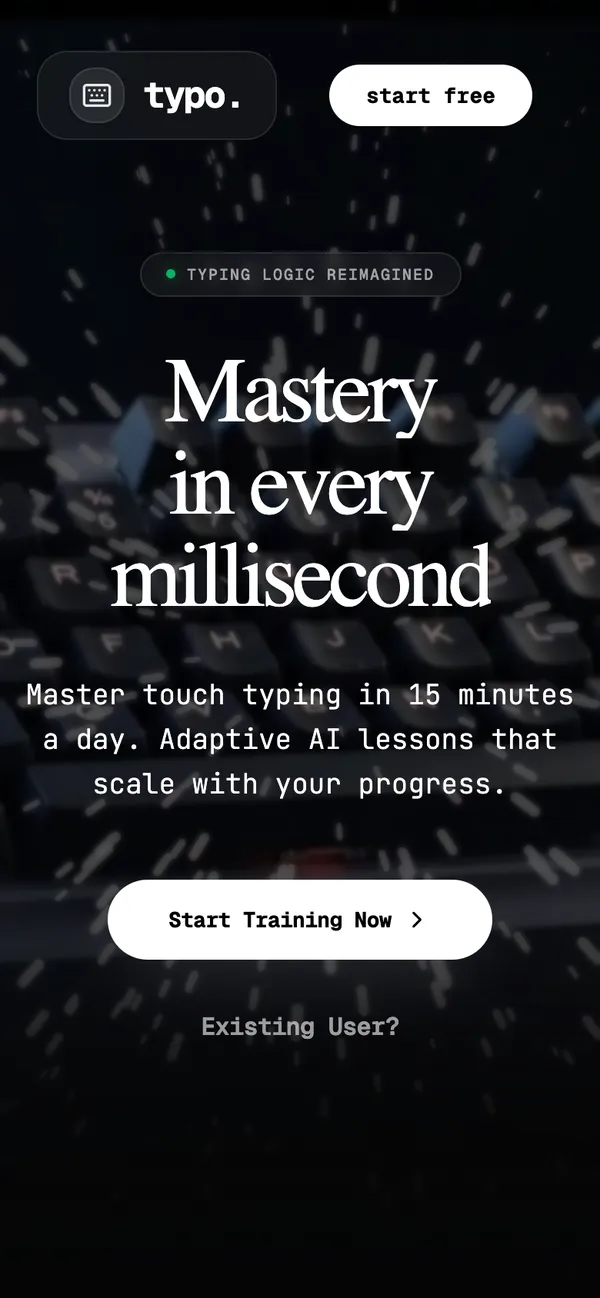
A typing tutor that builds drills from your own weakest keys, on the web and as a desktop app.
Loading the devices 0%
What it is
Typo teaches touch typing with structured lessons, arcade games and drills that adapt to you. It runs in the browser and as a desktop app for macOS and Windows that works offline, with no account needed.
- Web and desktop (macOS, Windows)
- Free to learn; paid plans for individuals and schools are planned
What you can do
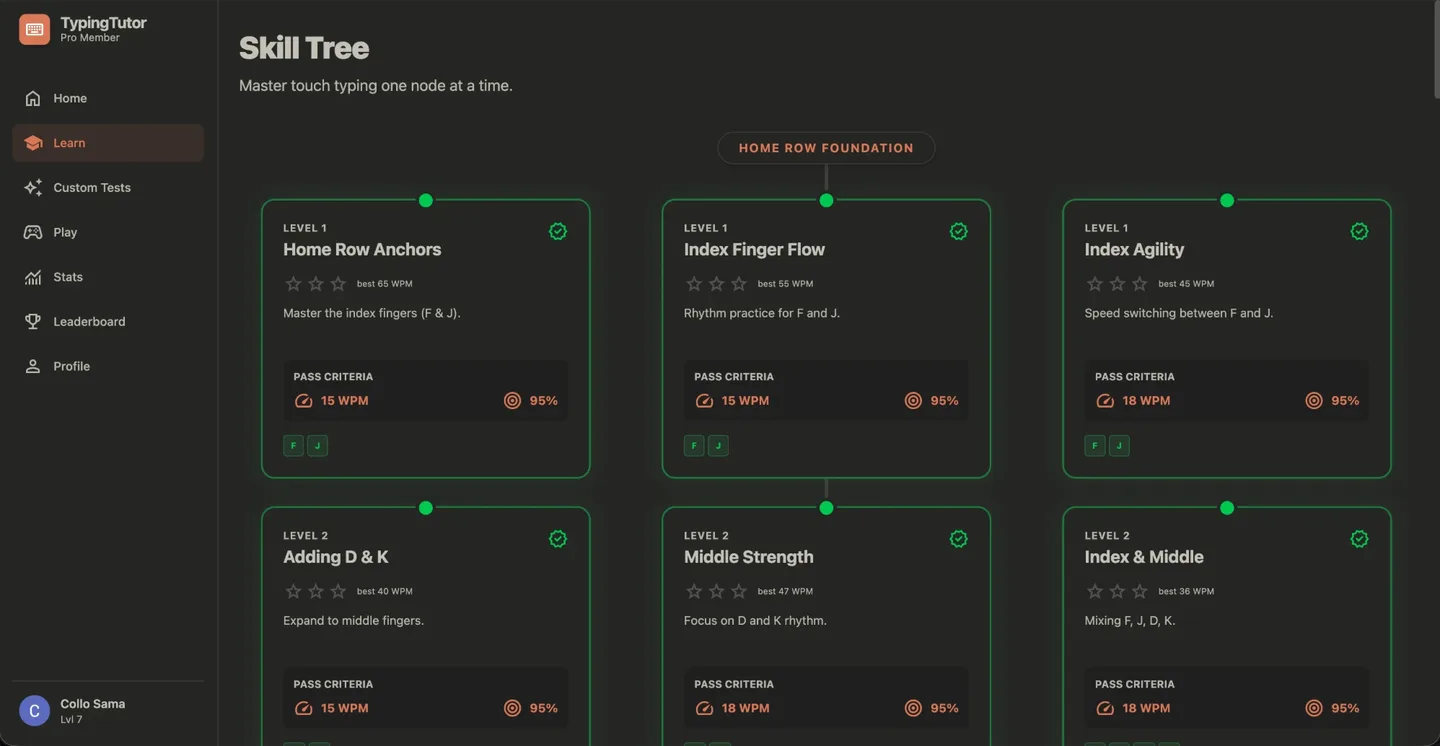
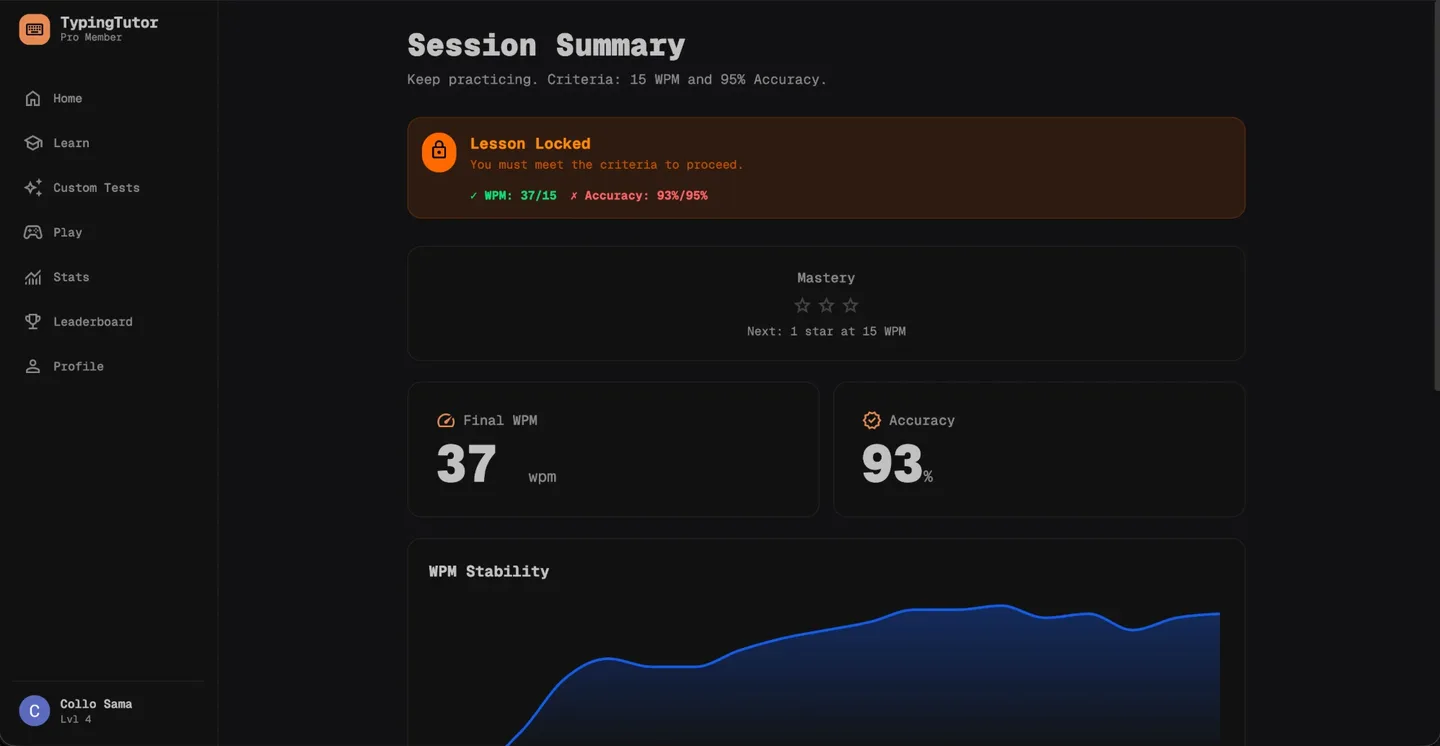
- 01A skill tree of lessonsLessons start at the home row and add keys a few at a time. Each one unlocks the next only at a set speed and accuracy (say 15 WPM at 95%), with up to three stars for going faster.
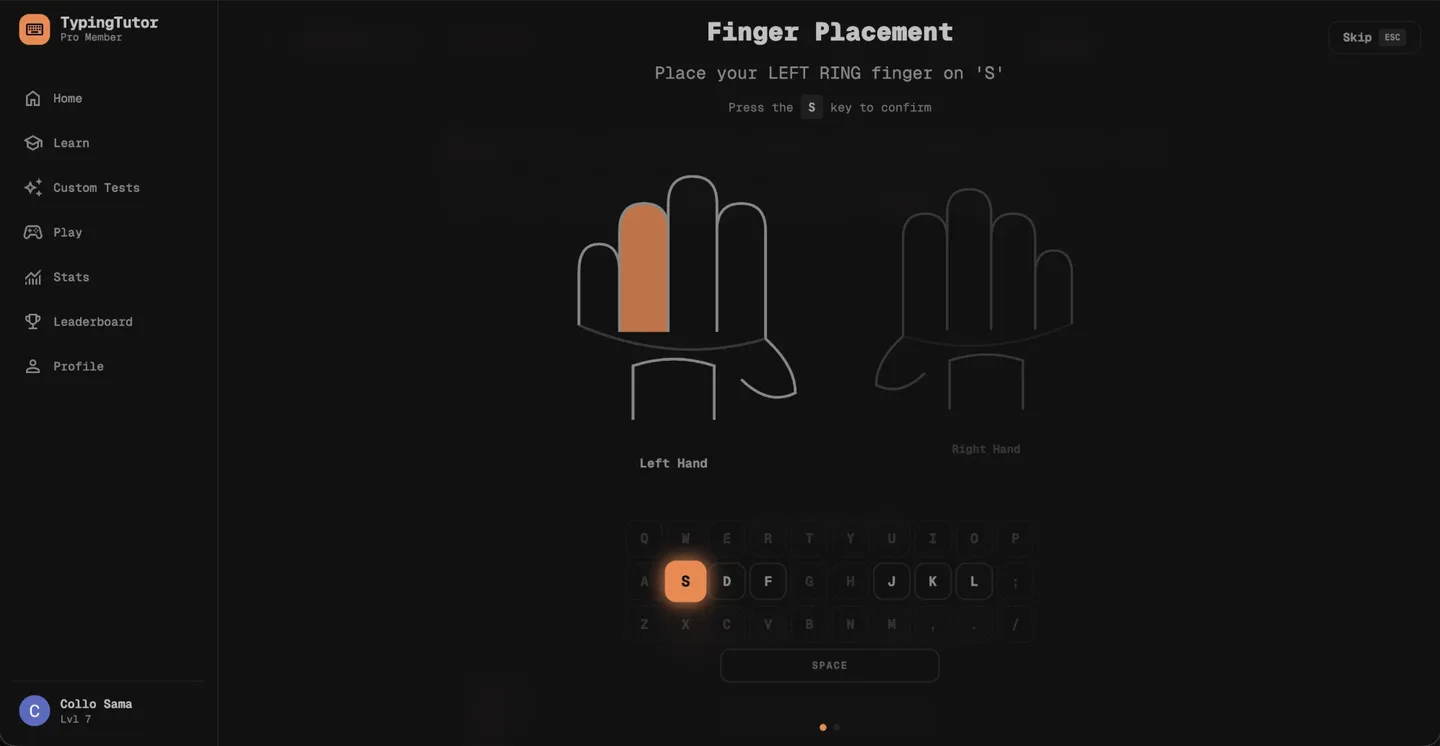
- 02Finger placementBefore a lesson, a guide shows which finger rests on which key and waits for you to press it.
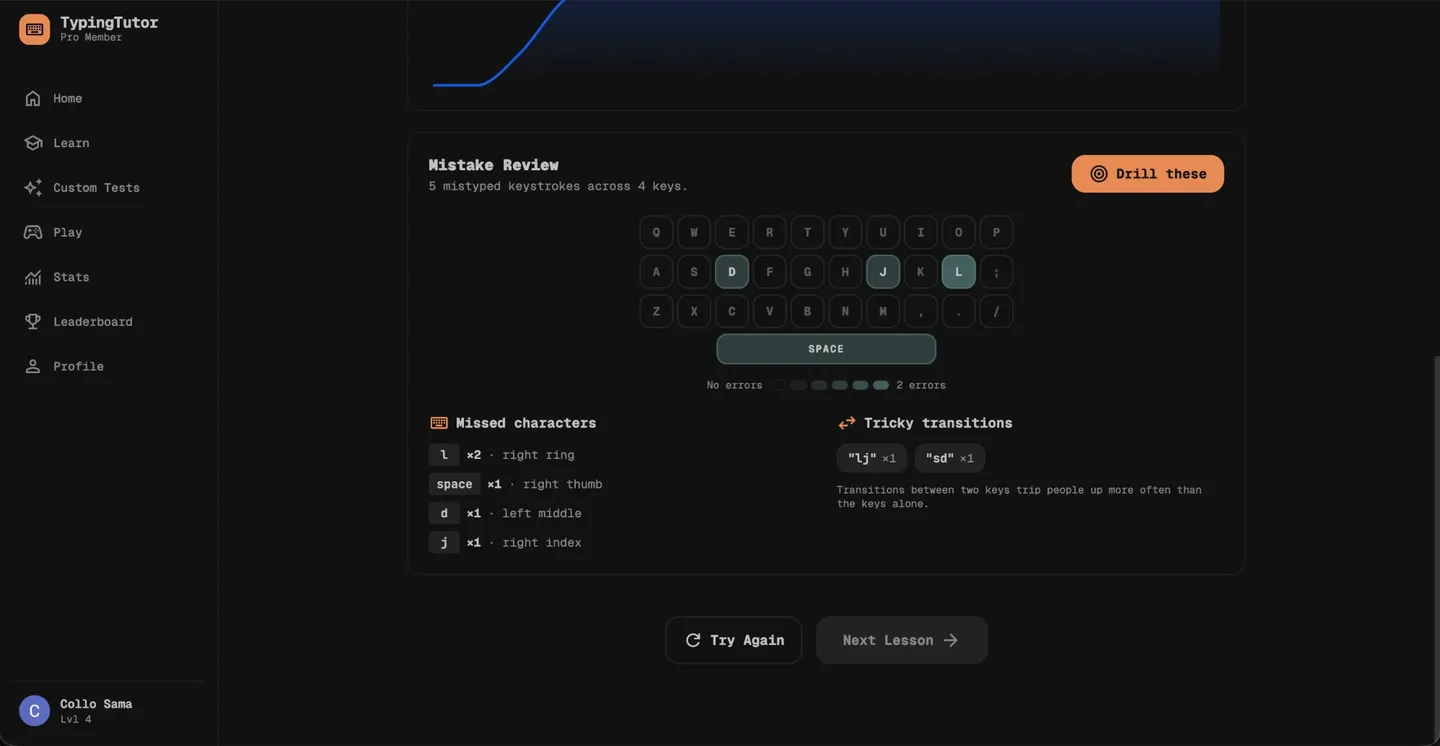
- 03A review of your mistakesAfter every session: the keys you missed on a heatmap, which finger should have hit them, and the letter pairs that trip you up. One click turns them into a drill.
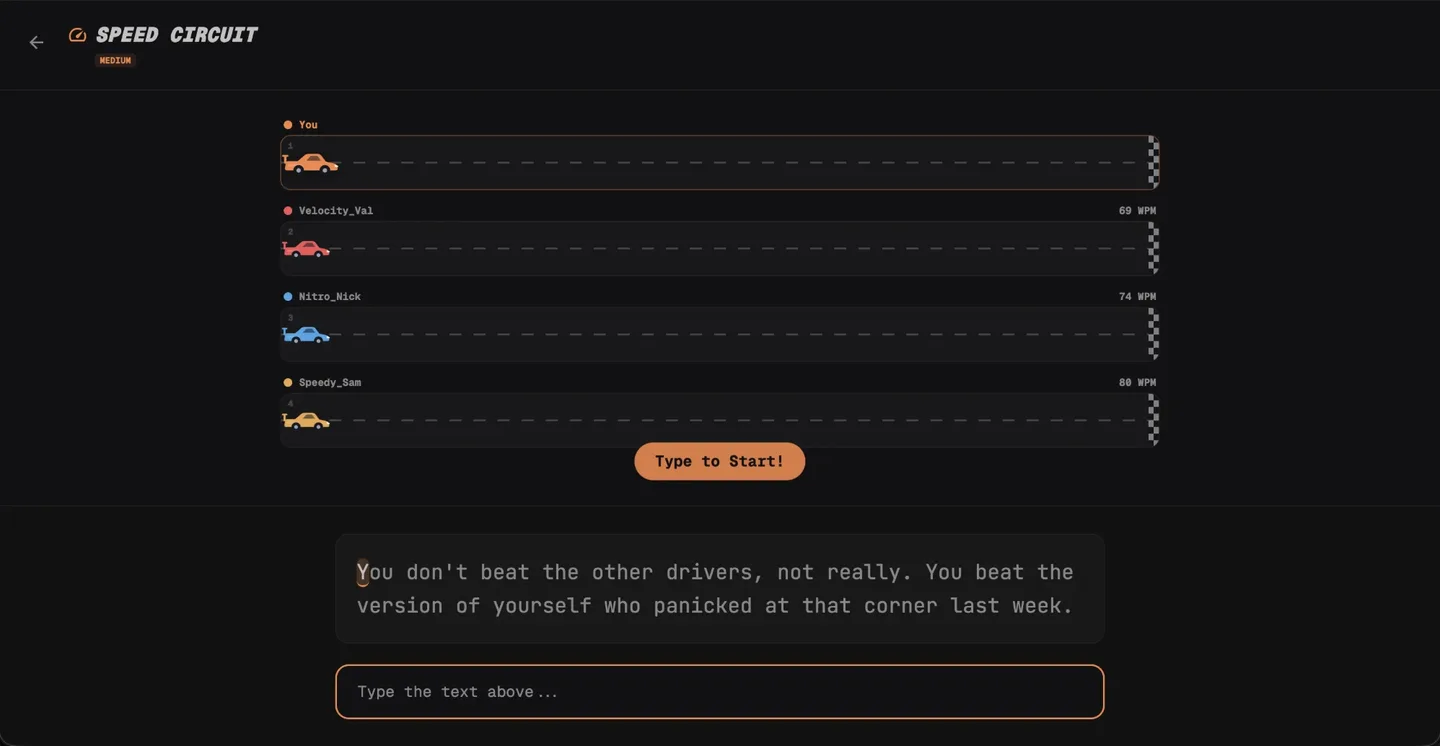
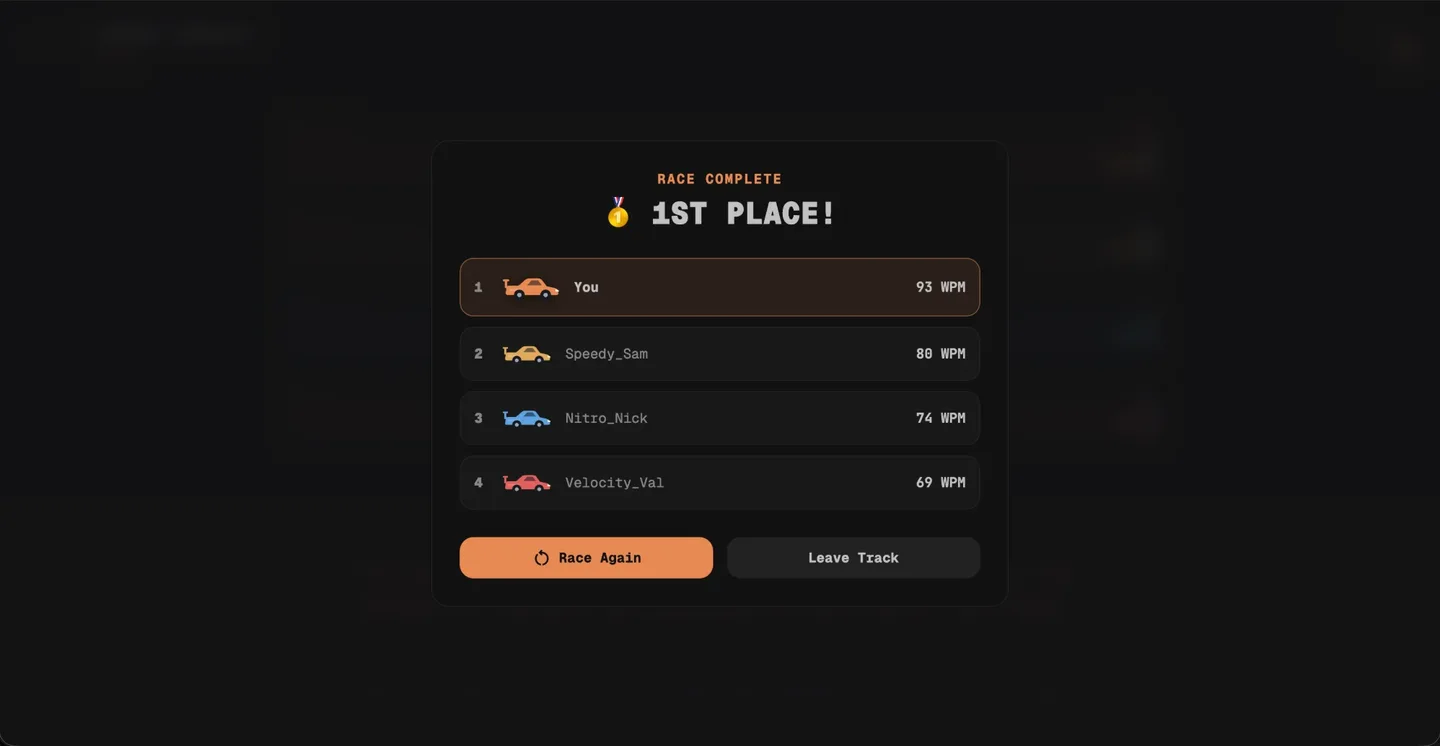
- 04Arcade gamesSpeed Circuit races you against rivals typing the same passage; Word Fall and Target Practice turn practice into play.
- 05AI practice textsCustom tests and stories written by AI at your level.
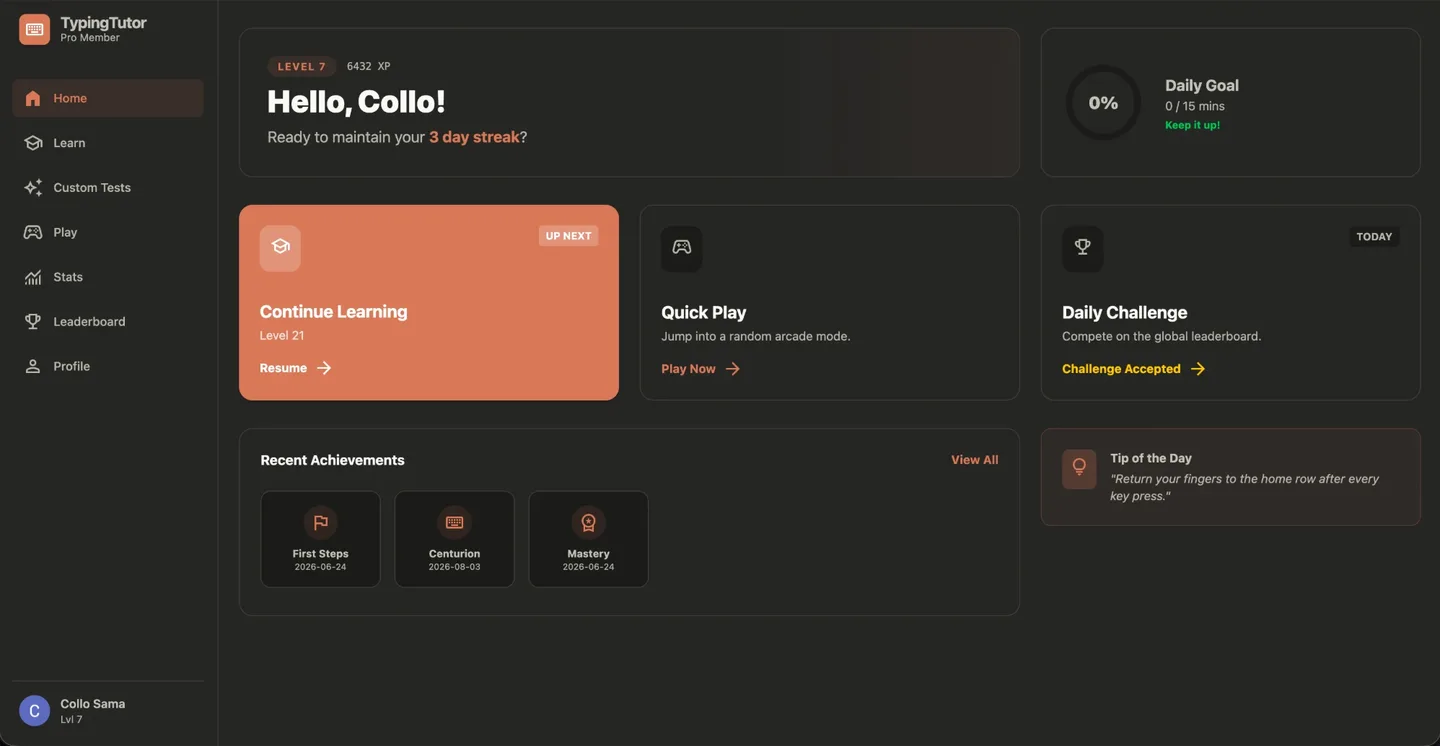
- 06Progress you can seeLevels, XP, a daily goal and streak, achievements, speed charts, leaderboards and a daily challenge.
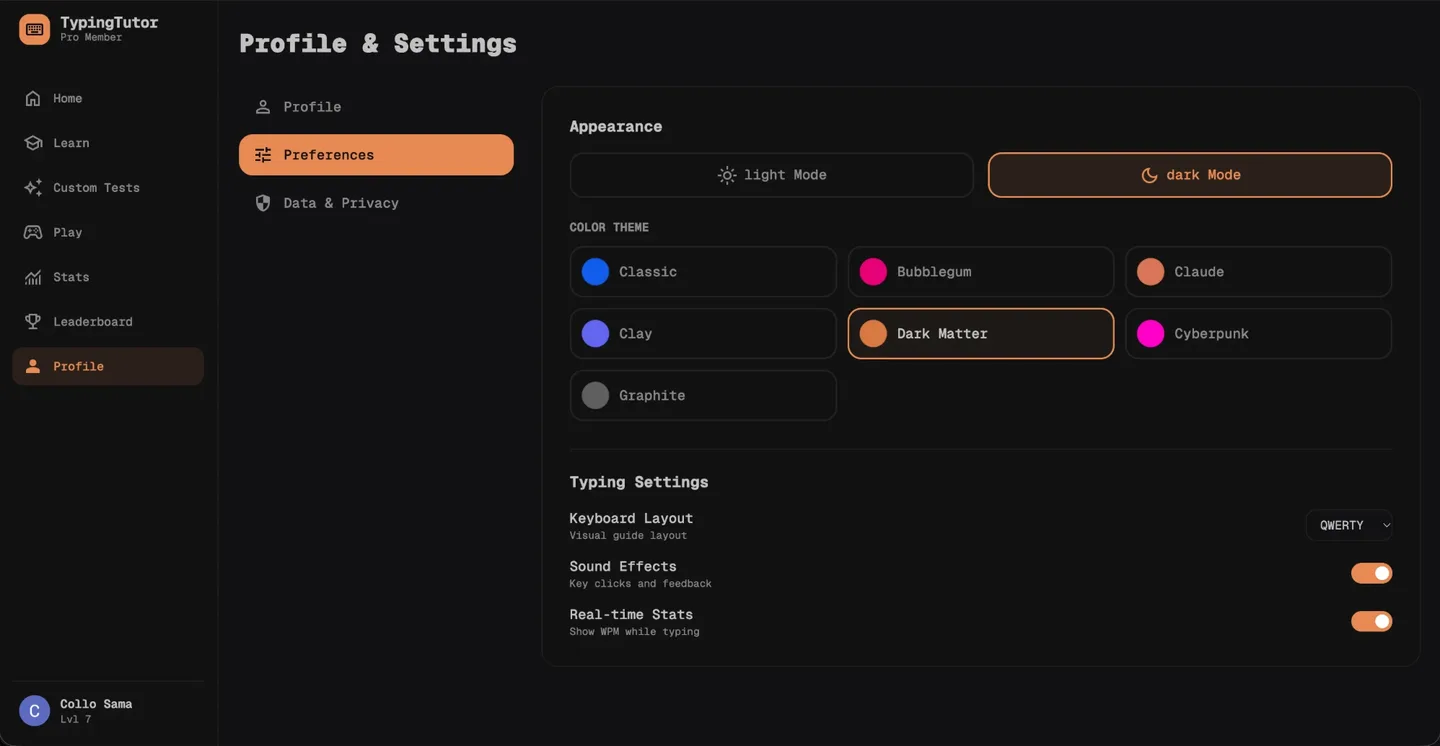
- 07Make it yoursSeven colour themes in light or dark, keyboard layouts, key sounds and live WPM while you type.
- 08Multiplayer racesRace other learners in live lobbies.
- 09Offline desktop appEverything stays on your computer; sign in only if you want your progress synced.
Touch typing, taught by your own mistakes.
Why it helps
- Improve fasterPractice aims at your own weak spots, not a generic script: the keys you miss and the transitions that slow you down.
- No bad habitsAccuracy gates mean you can't rush ahead on sloppy technique; a lesson passes only when it's clean.
- Stick with itGames and races make the daily session something you want to do.
- Learn anywhereThe desktop app works without internet or an account.
What I built
- Adaptive drills generated from the keys and letter pairs you miss most
- AI-written lessons and stories pitched at the learner’s level (Gemini through the Vercel AI SDK)
- Multiplayer races, keyboard heatmaps and progress charts
- The same Next.js app packaged for the desktop with Electron
Stack
- Next.js
- React
- TypeScript
- Tailwind
- Prisma
- Neon Postgres
- better-auth
- Vercel AI SDK
- Gemini
- Electron
- React Three Fiber
- Recharts
- Framer Motion
The hard part
Problem
One codebase had to serve a public web app and an installable desktop app without two sets of features drifting apart.
What I did
The app stays a single Next.js project; Electron serves its static build, so web and desktop ship from the same code and the same release.